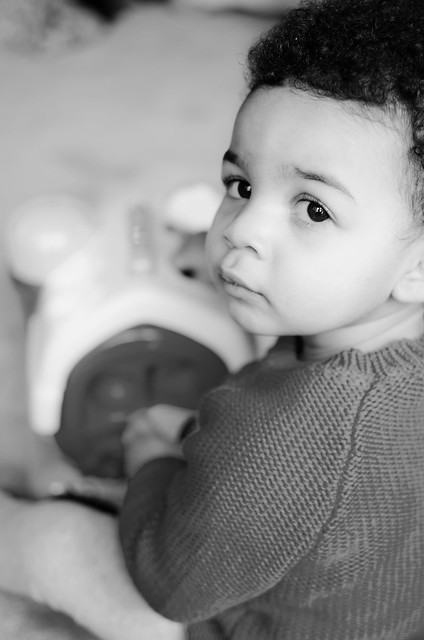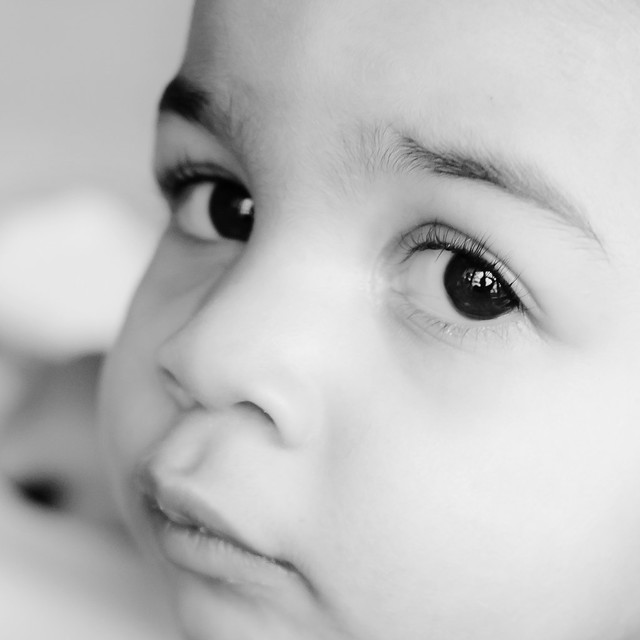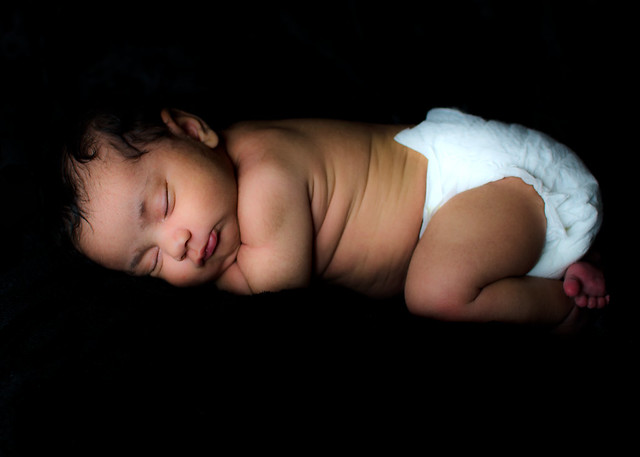
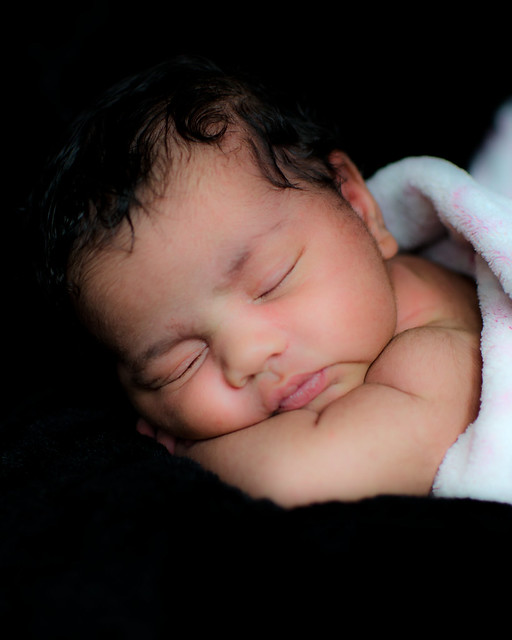
1. Create a duplicate of the original photo.
2. Select the duplicate photo.
3. Add a layer to adjust the levels of the duplicate.
3. Decrease the light by moving the black slider over to the right until the blanket becomes blackness.
4. Select the original photo.
5. Drag the duplicate onto the original to create a layer with the duplicate photo.
6. Select the now duplicate layer
7. Add a layer mask - reveal all
8. Select the brush tool - Mode exclusion
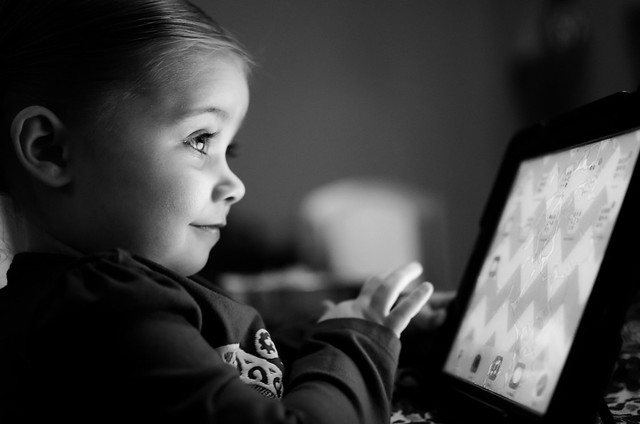
9. Brush over the parts of the photo I want to look as they did in the original (the baby's face, arms, blanket).
I know there must be an easier way to do this...so if anyone has any tips or suggestions, please add them to the comments below. Feedback is much appreciated.
Oh, and don't forget ...link up below if you'd like to share your WW! Thanks!